

Índice de contenidos
A webinar can be one of the simplest ways to share knowledge, present an idea or connect with an audience without bringing everyone into the same room. But a good webinar is not just a live video call. Content, timing, registration, interaction and follow-up all play a part in whether people actually attend, stay engaged and remember what they watched.
That means the technology matters, but mostly because it should make those moments easier: registering, joining the session, asking questions, accessing content and continuing the conversation afterwards. In this guide, we’ll look at what a webinar is, how to organize one and what to consider before, during and after the session.
What is a webinar?
A webinar is an online session where one or more speakers share content with an audience in real time. It can take the form of a presentation, interview, panel discussion, training session or product demo, and usually combines video or streaming with interaction such as chat, Q&A or polls.
Unlike an on-demand video, a webinar gives attendees the opportunity to participate while the session is happening.
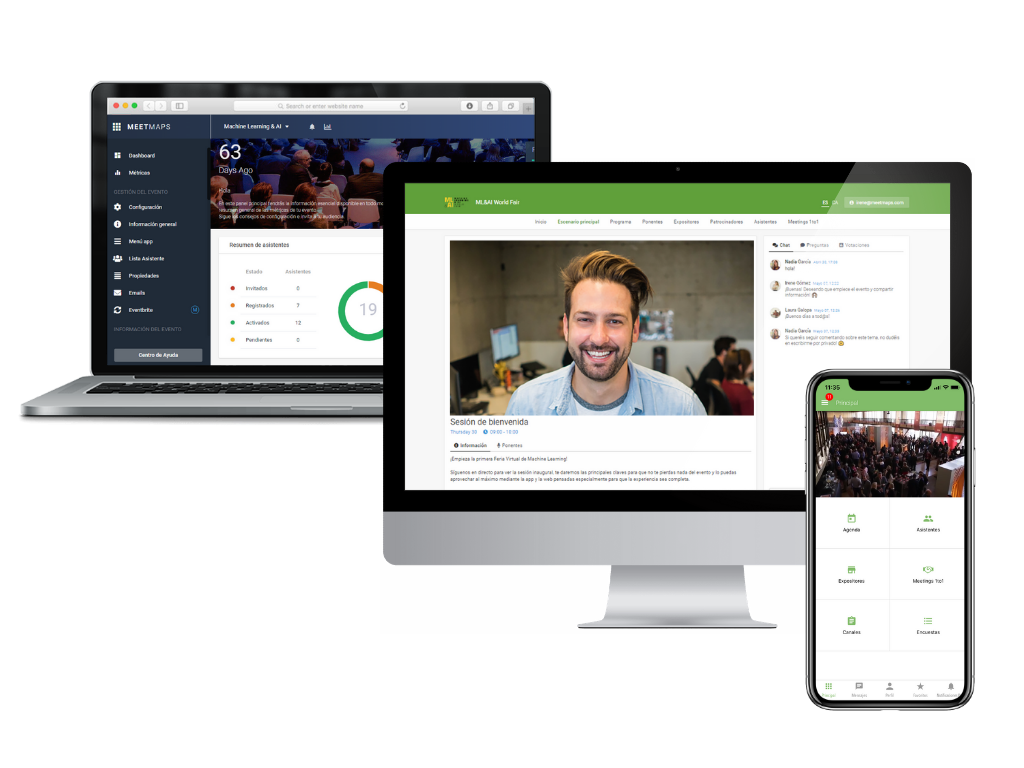
A good way to generate interest in the webinar is to prepare a script of interesting content and explain it before the start date of the webinar itself. In this way, interested people can sign up and start interacting with other attendees and generate a virtual community.
In order for the experience of all participants to be as complete as possible, event organizers must have event software, as it will allow them to add many more options to the event in every way.
🧠 TO REMEMBER: a webinar is not valuable because it is live. It is valuable when the live format gives the audience a reason to participate.
How to do a webinar?
Conducting a webinar is not a complicated task. There are many facilities, even for those companies that organize an event for the first time or that have never used the webinar format.
1️⃣ Start with a clear objective
Do you want to educate an audience, generate leads, launch a product, train customers or create a conversation around a topic That decision will affect everything else: the format, speakers, registration form, duration and even the follow-up after the webinar.
2️⃣ Design the content for the format
The ideal webinar does not exist, but there are certain tips that will help you better achieve your goals.
- You should schedule the webinar broadcast well in advance so that you have time to promote it and get people to sign up. Depending on the geolocation of the public, you should schedule it at an appropriate time, in which the majority is more likely to attend. If the event is face-to-face and in Spain, perhaps late in the afternoon could be a good time for the broadcast.
- After a presentation and allowing time for them to connect to the room, you can combine the presentation with some video. By complementing the talk with visual aids you will be able to capture more attention.
- Define the main topic well and the secondary points, which help to delve a little deeper into the information.
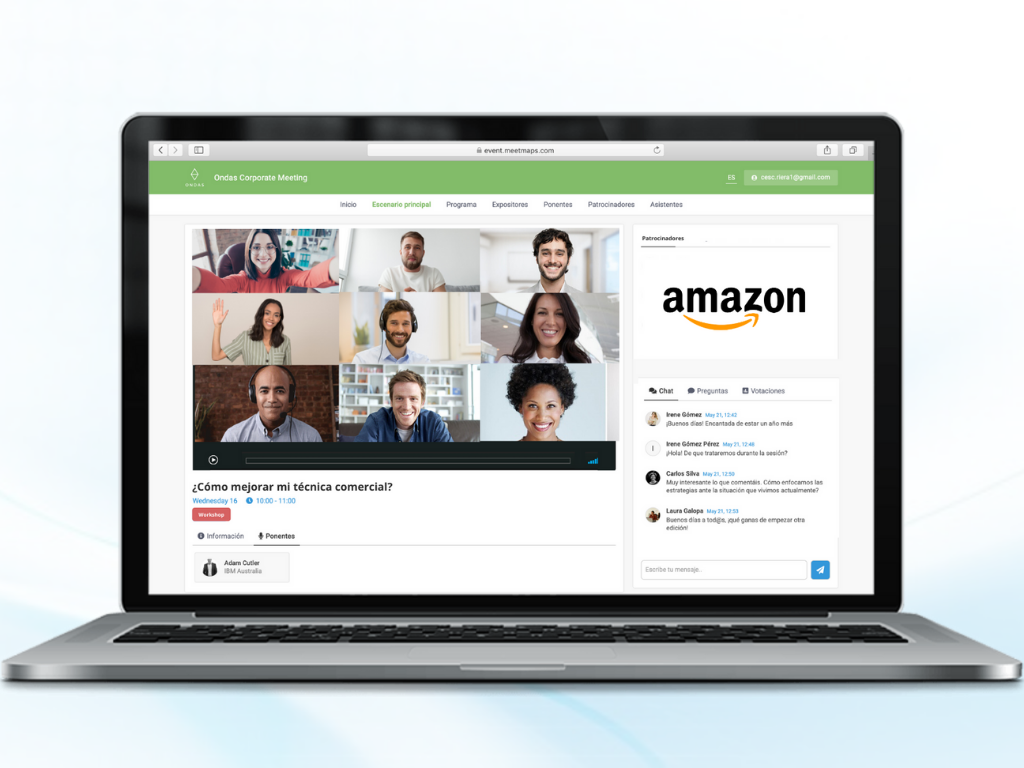
- Use the chat for users to ask questions live. If you solve their doubts, you will be giving a good image and you will get a greater number of registrations.
- An action that has a high impact on attendance is to prepare a special promotion exclusively for webinar attendees. With Meetmaps you can prepare a landing page to expose all the information about the webinar and also add a simple and fast registration.
💡 TIP: if the session lasts 45 minutes, don’t use all 45 for presentation. Leave a real space for questions or interaction instead of squeezing them into the final two minutes.
3️⃣ Prepare the technical side
Good audio matters more than an impressive setup. Use a reliable microphone, test the camera and make sure the internet connection is stable before going live. You’ll also need a platform that can host or embed the session and, depending on the experience you want to create, allow attendees to interact or access additional content.
4️⃣ Make registration easy
The registration page should answer the basics quickly: what the webinar is about, who it is for, when it takes place and why it is worth attending. Ask only for the information you genuinely need. The more friction you add to registration, the more chances you give people to abandon it.
In Meetmaps, the agenda, registration and online experience can form part of the same event flow, so attendees can register first and later access the session and related content from the event environment.
How to promote a webinar
Promotion should start before the webinar, but it doesn’t need to happen everywhere. Focus on the channels where your audience already is: email, LinkedIn, partner communities, speakers’ networks or paid campaigns if they make sense for the objective.
More important than repeating the same message is giving people different reasons to register: the topic, the speaker, a practical takeaway or a specific problem the session will help solve.
Social media
The publication of the webinar (and its corresponding web page) on social networks is essential. For those who prefer to focus on one, both Facebook and Twitter or LinkedIn are suitable for carrying out advertising campaigns.
There are different types of campaigns. You can pay per click on the ad, per CPM or per leads (registrations). oh! And if you use a promotional video, you will surely get better results than if you only use text and images.
Also encourage speakers to share the link to the webinar landing page with their followers. It will not cost them anything and it will also be good for their personal brand.
Influencers
We already commented in another post about the advantages of influencer marketing and we also recommend it to promote the webinar. In fact, it is possible to have a greater impact because the followers of the influencers will not be seeing a direct promotion of the paid event, but will only see a recommendation to sign up for a webinar that will be free (in most cases).
Email marketing
If you have an email database, make use of it. Send email campaigns informing about the next webinar and the reasons for signing up.
Even if you don’t have a very large email list, you can use it to create lookalike audiences in advertising campaigns. This option is allowed by both Facebook and Google Ads and is very powerful when it comes to finding people with similar interests to those in your database.
A good webinar doesn’t need dozens of features. It needs a clear reason to attend, content designed for online attention and a smooth experience from registration to follow-up. Technology can help connect those moments, but the starting point should always be the same: what does the audience need before, during and after the session?
Once that is clear, tools such as registration, agenda, streaming and live interaction become much easier to choose and use. Because the best webinar is not the one with the most technology. It is the one where the technology almost disappears and the content gets the attention.
If you’re planning your next webinar, explore how Meetmaps can connect registration, streaming and interaction in the same event flow.